Ravi GrowthGet Started
Google Cloud and Google tools
What Is Google Cloud Platform (GCP)? A Plain-English Guide for Business Owners
If you have heard "we host on GCP" or "put it in the cloud" and nodded politely, this guide is for you. Google Cloud Platform, usually called GCP, is Google's set of online computing tools that businesses rent instead of buying. It is large, and most small businesses use only a small part of it.
Prices, products and free offers change often. This article explains the ideas. For current prices and limits, always use Google Cloud's official pricing pages.
What "the cloud" means
A website, an app or a database needs a computer that is always on and connected to the internet. You have two choices.
Own it. Buy a server, keep it in your office, power it, cool it, back it up and fix it when it breaks.
Rent it. Pay a company to run the computers in its secure data centres. You use them over the internet and pay for what you use.
"The cloud" is simply renting computing from someone else's data centres. GCP is Google's version. Amazon (AWS) and Microsoft (Azure) are the other big names.
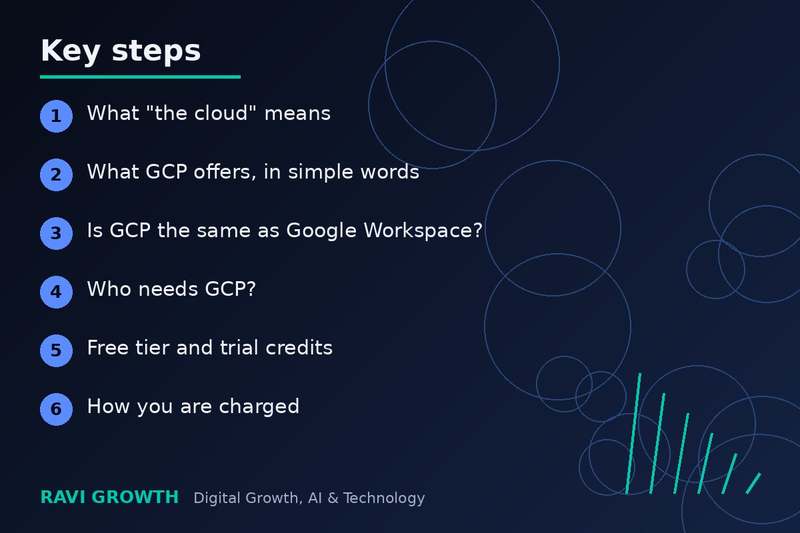
What GCP offers, in simple words
GCP has hundreds of products. Most business owners meet these:
- Compute. Rented computers that run your software. Services include Compute Engine (a full virtual computer you manage), Cloud Run (runs your app without managing the computer) and App Engine (a hosting platform for apps).
- Storage. Places to keep files. Cloud Storage holds documents, images, backups and website files.
- Databases. Organised data for apps, such as Cloud SQL and Firestore.
- AI and data tools. Services such as Vertex AI and the Gemini models, plus data tools like BigQuery for analysing large data sets.
- Networking and security. Controls for who can reach what, and how traffic is protected.
- Management tools. Billing, budgets, alerts and access controls.
You do not need all of this. A small business might use only storage and one hosting service.
Is GCP the same as Google Workspace?
No, and the names confuse people.
- Google Workspace is Gmail, Drive, Docs, Sheets and Meet. Office tools you pay for per user.
- Google Cloud Platform is the infrastructure for building and running software. It is a developer and technical product.
You can have one without the other. They share Google accounts, which is a source of confusion.
Who needs GCP?
Often you do not need it directly. A developer or agency may use it on your behalf. It makes sense when:
- You have a custom website or app that needs reliable hosting.
- You store a lot of files or backups and want secure, scalable storage.
- You want to add AI features to your own product.
- Your traffic is unpredictable and you want it to scale up and down.
It may be too much when:
- You only need a simple brochure website. A website builder or basic hosting may be simpler and cheaper.
- Nobody on your team can manage it, and you have no developer.
- You only need office tools. Workspace is what you want.
Ask your developer why they recommend GCP and what the monthly cost is likely to be.
Free tier and trial credits
Google Cloud has historically offered a free trial with credits for new accounts, and an "Always Free" tier for some products within limits. Terms, amounts and eligible products change, so check Google's current pages before relying on them.
Two points that catch beginners:
- Free does not mean unlimited. Go over the limit and you pay.
- A trial may require a payment method. Know what happens when the trial ends.
How you are charged
Most GCP products charge by usage:
- How long a computer runs.
- How much data you store.
- How much data leaves Google's network.
- How many requests or API calls you make.
That makes costs flexible, but also unpredictable if you do not watch them. A forgotten test server, or a program stuck in a loop, can create a surprise bill.
Protect yourself from surprise bills
Three habits matter from day one:
- Set a budget and alert first. In the billing section, create a budget and email alerts at amounts you choose. Our companion guide shows the steps. Remember that a budget alert warns you, but does not by itself always stop spending, so check how your services behave.
- Delete what you do not use. Test machines and old storage keep billing.
- Review the bill monthly. Look at which service costs what.
Security basics
Cloud security is shared. Google secures its data centres. You secure your accounts and settings.
- Turn on two-step verification.
- Give each person only the access they need.
- Never share passwords or keys in email or chat.
- Review who has access every month.
See our guide on Google Cloud security basics.
How to start safely
- Decide what you actually need (hosting, storage, AI).
- Create an account with a business email you control.
- Set a budget and alerts before creating any service.
- Start with one small service and a test project.
- Keep a simple note of what is running and what it costs.
- Ask a developer or consultant for help with anything you do not understand.
Common questions about risk
Is my data safe in the cloud? Large cloud providers generally have strong physical and technical security. Most problems come from weak passwords and wrong settings, which you control.
Can I leave later? Yes, but moving data takes effort. Ask early how to export what you store.
Is it expensive? It can be cheap for small use and costly if misused. Budgets and monitoring keep you in control.
Quick summary
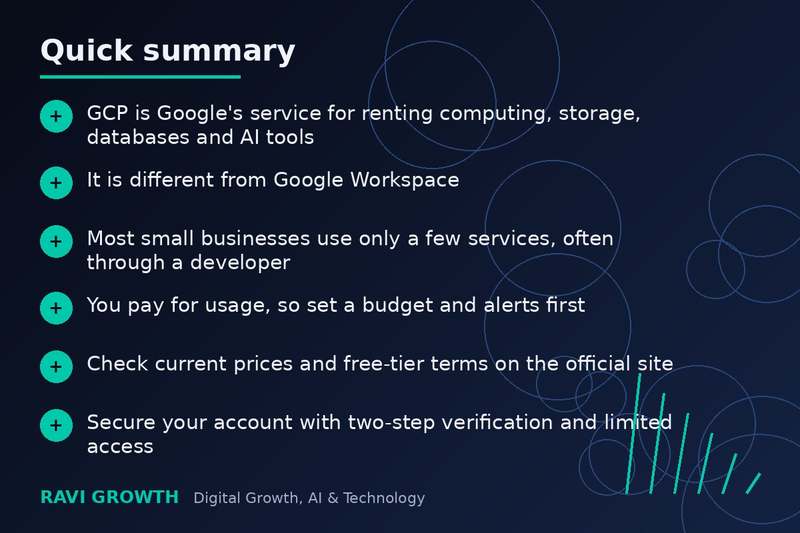
- GCP is Google's service for renting computing, storage, databases and AI tools.
- It is different from Google Workspace.
- Most small businesses use only a few services, often through a developer.
- You pay for usage, so set a budget and alerts first.
- Check current prices and free-tier terms on the official site.
- Secure your account with two-step verification and limited access.
Frequently asked questions
Do I need to know how to code? To use the console for simple things, not always. For building apps, someone does.
Is there a free version? There has been a free trial and a limited always-free tier. Check current terms.
What is the cheapest way to host a small site? Often a simple static host or website builder. Compare options before choosing GCP.
Who can help me set it up? A developer, a Google Cloud partner or an agency such as Ravi Growth.
Ravi Growth can review your technology setup and tell you honestly whether you need GCP or something simpler. Ask for the free audit on the Contact page.