Ravi GrowthGet Started
ChatGPT
How to Write Better ChatGPT Prompts: A Simple 5-Part Formula
A weak prompt gives a weak answer. If you type "write a post about my gym", you get a post that could belong to any gym in the world. The fix is not a secret trick. It is a habit: give ChatGPT the same information you would give a new employee before asking them to do a job.
This guide gives you a five-part formula. It works for emails, posts, plans, summaries and almost everything else.
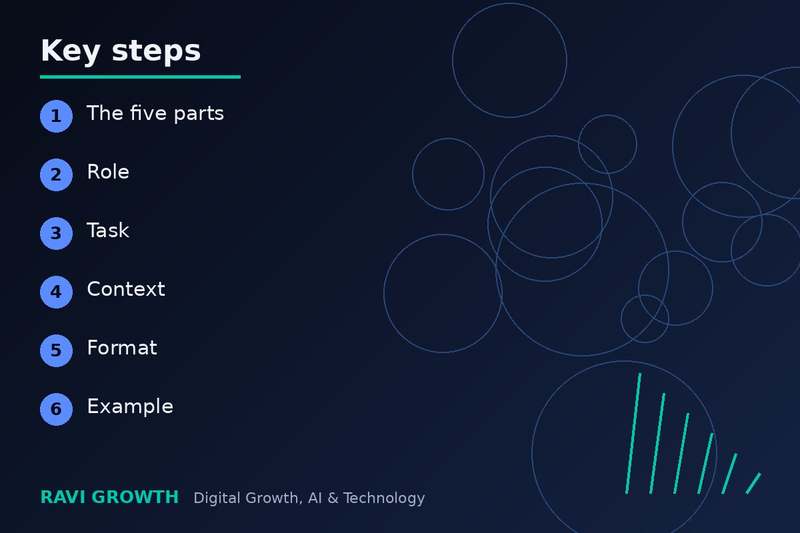
The five parts
- Role: who ChatGPT should act as.
- Task: what you want done.
- Context: the facts it needs.
- Format: how the answer should look.
- Example: a sample of what good looks like.
You do not need all five every time. For a quick question, task and context are enough. For something you will publish or send to a customer, use all five.
1. Role
The role sets the viewpoint and the tone. "Act as an experienced hotel front-office manager" produces different advice from "act as a food blogger".
You are an experienced restaurant manager in an Indian city.
Keep the role realistic and specific. "World's best marketer" adds nothing. "Marketing consultant for small local shops" does.
2. Task
Say exactly what you want, using one clear verb: write, list, compare, rewrite, summarise, plan.
Write three short replies to a customer who says the food arrived cold.
One task per prompt works best. If you need a reply and a social post, ask for them in two prompts, or number them clearly.
3. Context
This is the part most people skip, and it is the part that matters most. Include:
- Who the customer or reader is.
- What your business does and where.
- Facts that must appear (offer, price, date, policy).
- Facts that must not appear, or limits ("do not promise a refund").
- Tone: friendly, formal, short, warm.
Context: Our restaurant is a 30-seat family place in Pune. Delivery is through our own phone line and one app. Cold food complaints are rare. Our policy is a free replacement within 24 hours. Tone: sincere, not defensive.
4. Format
Tell ChatGPT the shape of the answer. A table, five bullets, under 80 words, a numbered list, an email with a subject line.
Format: Three options, each under 60 words, each with a different tone: apologetic, warm, brief.
Without a format, you get long paragraphs that you then have to cut down.
5. Example
Show one sample of the style you want. ChatGPT copies patterns well.
Example of our style: "Thank you for telling us. That is not how we want your food to arrive, and we will fix it today."
If you have a past reply you were proud of, paste it with personal details removed.
Before and after: customer reply
Weak prompt
Write a reply to a customer complaint.
The answer will be generic: "Dear customer, we apologise for the inconvenience." You cannot send that.
Strong prompt
You are an experienced restaurant manager in an Indian city. Write three short replies to a customer who says the food arrived cold. Our restaurant is a 30-seat family place in Pune. Our policy is a free replacement within 24 hours. Tone: sincere, not defensive. Each reply under 60 words, with three tones: apologetic, warm, brief. Style example: "Thank you for telling us. That is not how we want your food to arrive, and we will fix it today."
The answer now mentions the replacement, sounds human, and gives you options. You pick one, adjust a word, and send.
Before and after: a content idea
Weak: "Give me content ideas."
Strong: "You are a social media planner for small gyms. My gym is in Indore with 120 members, mostly office workers aged 25 to 40. Give 10 Instagram Reel ideas I can film on my phone in under 2 minutes each. Format: a table with idea, what to film, and a one-line caption. Avoid ideas that need a trainer to be on camera."
The second prompt gives limits. Limits make ideas practical.
Five habits that improve answers further
Ask it to ask you. End with: "If you need more information, ask me up to three questions before answering." This catches missing context.
Iterate, don't restart. If the answer is close, say "shorter", "warmer", "remove the second paragraph". Follow-up edits are faster than a new prompt.
Set a "do not guess" rule. Add: "If a fact is missing, write [missing] instead of inventing it."
Ask for options. Three versions let you compare. Choose and combine.
Save your best prompts. Keep a note or document with prompts that worked. Next time, change only the context. This is the biggest time saver of all.
Common mistakes
- Too short. One line, no context.
- Too many tasks. Five jobs in one prompt, so each gets half the care.
- No limits. No word count, no tone, no audience.
- Trusting facts blindly. ChatGPT can state wrong numbers and dates confidently. Always check.
- Pasting private data. Remove names, phone numbers and account details.
A reusable template
Copy this and fill the brackets:
You are [role]. [Task]. Context: [who, where, facts, limits, tone]. Format: [shape and length]. Example of the style I like: [short sample]. If you need more information, ask me before answering. If a fact is missing, write [missing].
Fill it in once for each regular job, such as review replies, weekly posts and supplier emails. Save the filled versions. In a month you will have a small library that does most of your writing work.
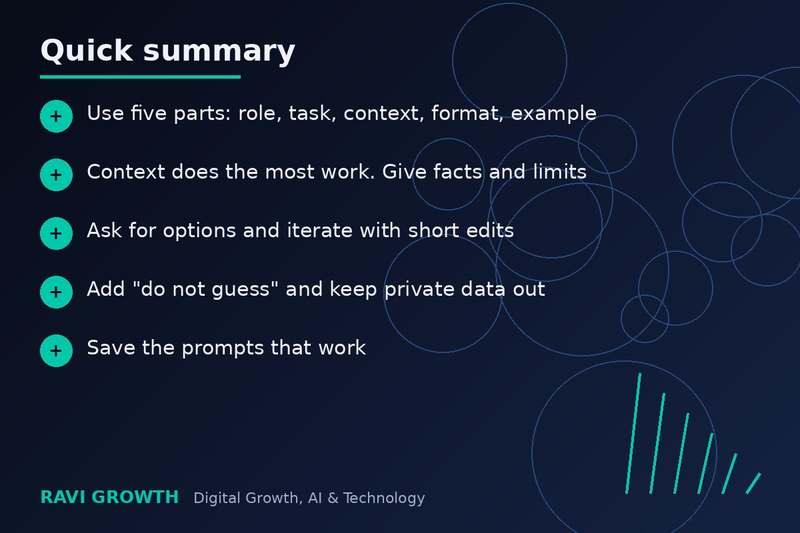
Quick summary
- Use five parts: role, task, context, format, example.
- Context does the most work. Give facts and limits.
- Ask for options and iterate with short edits.
- Add "do not guess" and keep private data out.
- Save the prompts that work.
Frequently asked questions
Do long prompts work better? Not always. Clear prompts work better. Length helps only when it adds facts or limits.
Does the role really matter? It helps with tone and viewpoint, but context matters more.
Do these prompts work in other AI tools? Yes. The same formula works in Claude, Gemini and similar assistants.
How do I get the same style every time? Paste the same style example in each prompt, or save it in the tool's custom instructions where available.
Want help turning your own business tasks into a prompt library? Ask for the free audit on the Ravi Growth contact page.