Ravi GrowthGet Started
ChatGPT
How to Use ChatGPT for SEO: Keywords, Outlines and Meta Descriptions
SEO is mostly careful, repetitive work: finding what people search for, planning pages that answer it, and writing clear titles and descriptions. ChatGPT is useful for the thinking and drafting parts. It is not a replacement for real search data, and it cannot see your live rankings.
This guide shows where it helps, where it does not, and how to avoid the common traps.
What ChatGPT can and cannot do for SEO
It can: - Suggest topic and keyword ideas. - Group ideas by what the searcher wants. - Draft outlines, titles and meta descriptions. - Rewrite unclear text and suggest FAQ questions. - Explain technical terms in plain words.
It cannot: - Tell you real monthly search volumes. It guesses. - See your Search Console data unless you paste it in. - Guarantee rankings. Nobody can. - Replace a check of the live search results page.
Use ChatGPT to widen your ideas. Use a real tool, such as Google Search Console or Google's Keyword Planner, to confirm that people actually search for them. Check the tool's current access rules, as they change.
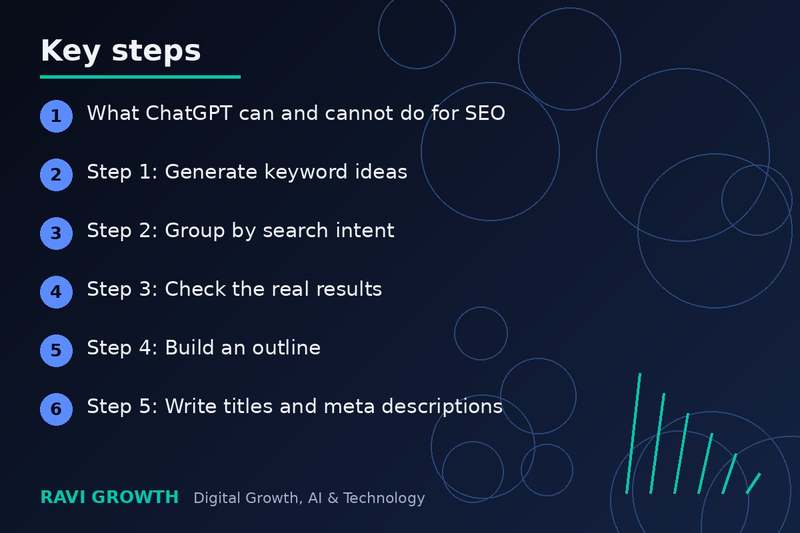
Step 1: Generate keyword ideas
Start with your business and your customer, not with a keyword.
Prompt: I run [business] in [city]. My customers are [type]. List 30 things they might type into Google when they are ready to buy, and 20 things they type when they are only learning. Group them under "ready to buy" and "learning".
This split matters. "Hotel in Udaipur near lake" is a buyer. "How to plan a Rajasthan trip" is a learner. Both are useful, but they need different pages.
Step 2: Group by search intent
Google tries to match what the person wants. Four kinds of intent cover most searches:
- Know: they want information.
- Compare: they are choosing between options.
- Buy: they want to purchase or book.
- Go: they are looking for a place or a page.
Prompt: Here is a list of keywords: [paste]. Group them into clusters where one page could serve all of them. Name each cluster, give its main keyword and its intent (know, compare, buy, go).
Each cluster becomes one page. Do not create a separate page for every small variation. Many thin pages perform worse than a few strong ones.
Step 3: Check the real results
Take the main keyword of each cluster and search it yourself. Look at the top results:
- Are they guides, product pages or lists?
- How long and detailed are they?
- What questions do they answer?
If the top results are all product pages and you plan a blog post, the match is wrong. Adjust. This manual check takes two minutes and saves weeks.
Step 4: Build an outline
Prompt: Create an outline for an article titled "[title]" for [audience]. Main keyword: [keyword]. Include an H2 for each main question and H3 only where needed. Add a short FAQ with 4 questions. Do not include claims that need data unless I mark them to be checked.
Then edit it. Remove sections that repeat. Add what only you know: your prices, your experience, your local details. That is what makes a page different from others.
Step 5: Write titles and meta descriptions
The title and meta description are what people read in search results. Keep the title clear and put the main keyword near the start. Keep the description honest and specific. Check current guidance on display lengths, because truncation changes.
Prompt: Write 5 title options and 3 meta descriptions for a page about [topic] for [audience]. Main keyword: [keyword]. Titles under 60 characters. Descriptions under 155 characters. Be specific, no hype, no clickbait.
Count characters yourself or use a free counter. ChatGPT often miscounts.
Step 6: Improve existing pages
Paste a page's text and ask for problems.
Prompt: Review this page for SEO. Is the main topic clear in the first paragraph? Are there missing questions a reader would ask? Which headings are vague? Suggest specific edits. Text: [paste]
Apply the edits that fit. Ignore the rest.
Step 7: Add helpful FAQs and alt text
Questions people actually ask make a page more useful. Ask for ten, keep four that your customers genuinely ask.
For images, ask for descriptive alt text. Alt text should describe the picture for someone who cannot see it, in a short natural sentence. Do not stuff keywords.
Prompt: Write alt text under 125 characters for an image of [describe]. Describe it plainly, no keyword stuffing.
Traps to avoid
Publishing raw AI text. Pages that repeat what everyone else says add nothing. Add your own facts, photos and examples.
Keyword stuffing. Repeating the keyword every sentence reads badly and does not help.
Invented statistics. If ChatGPT gives a number, find the source or delete it.
Copying competitors. Learn what they cover, then write it your way.
Ignoring the basics. Fast loading, mobile-friendly pages, clear navigation and working links matter as much as the words.
A simple monthly SEO routine
- Week 1: Check Search Console for queries where you show up but get few clicks. Ask ChatGPT for better titles for those pages.
- Week 2: Plan two new pages from your clusters.
- Week 3: Write them, add real photos with alt text, and add internal links to related pages.
- Week 4: Review what changed. Update one old page.
Results take weeks to months. Judge on trends, not days.
Quick summary
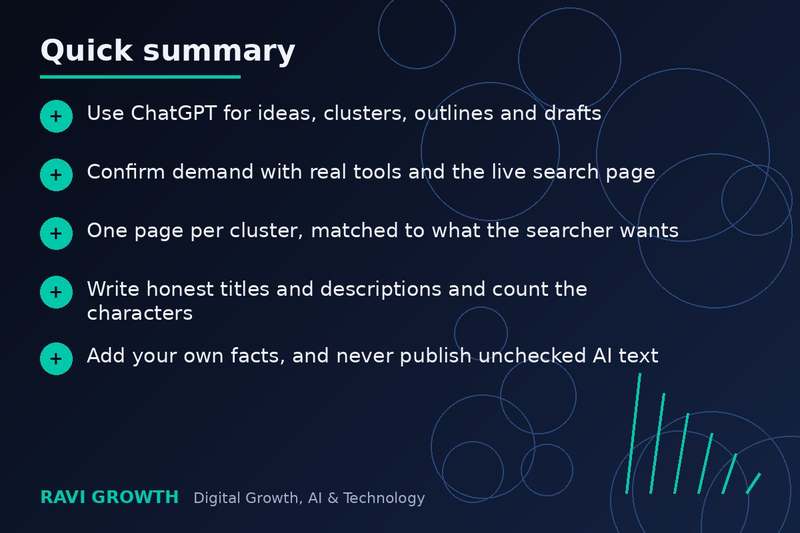
- Use ChatGPT for ideas, clusters, outlines and drafts.
- Confirm demand with real tools and the live search page.
- One page per cluster, matched to what the searcher wants.
- Write honest titles and descriptions and count the characters.
- Add your own facts, and never publish unchecked AI text.
Frequently asked questions
Will Google penalise AI-written content? Google's published guidance focuses on whether content is helpful and original, not how it was produced. Check its current statement. Unhelpful, copied or spammy pages are the risk.
Can ChatGPT tell me my ranking? No. Use Search Console or a rank tracker.
How long until SEO works? Often several months. It depends on your competition and site.
Do I need paid SEO tools? Not to start. Search Console, Google Analytics and manual checks cover the basics.
Ravi Growth offers a free SEO and website audit. Use the enquiry form on the Contact page to ask for it.