Ravi GrowthGet Started
Google Cloud and Google tools
How to Use the Gemini API on Google Cloud: A Beginner Overview
Using an AI assistant in a chat window is useful. Connecting AI to your own tools is a bigger step. An order sheet that summarises itself. A form that drafts a reply. A support inbox that sorts messages. For that, you use an API.
This guide explains what an API is, shows the two main ways to get access to Google's Gemini models, and walks through a first test. It is an overview for beginners. Model names, features, limits and prices change often, so check Google's current documentation for details.
What is an API?
An API is a way for one program to talk to another. Think of a restaurant. You (your program) give your order to the waiter (the API). The waiter takes it to the kitchen (the AI model) and brings back the dish (the answer).
With the Gemini API, your program sends a prompt, such as "Summarise this customer message in one line", and gets text back. You do not run the model. You send requests over the internet and pay for usage, if your plan is paid.
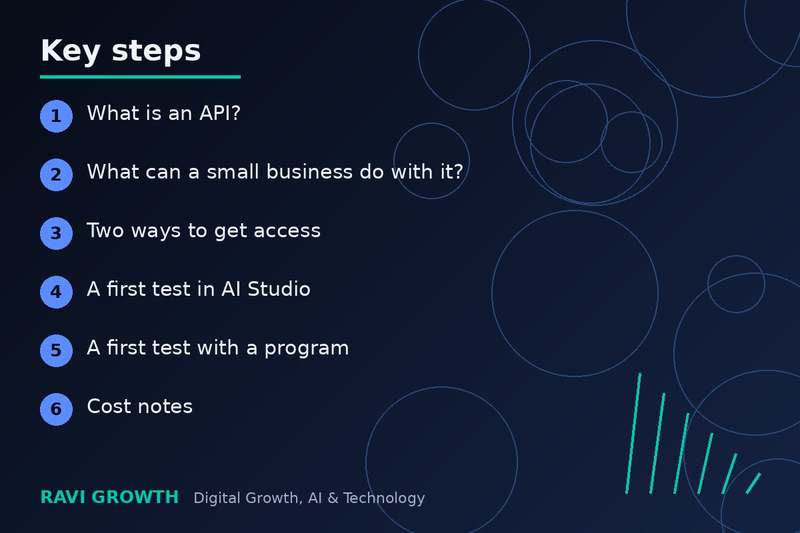
What can a small business do with it?
Realistic starting ideas:
- Summarise incoming enquiries into one line each.
- Draft first replies for a human to review.
- Sort messages by topic or urgency.
- Pull key details such as dates and amounts from text.
- Generate product descriptions from a sheet of facts.
Start with tasks where a person still reviews the output.
Two ways to get access
Google offers the Gemini models through more than one route. Names and details evolve, so check the current docs.
Option A: Google AI Studio
AI Studio is a browser tool for trying models and getting an API key quickly. It is the easiest place to begin.
- Sign in with a Google account.
- Try prompts in the web interface.
- Create an API key when you are ready to connect a program.
- Free usage with limits has been offered in the past. Check current terms, including how data may be used on free tiers.
Good for: learning, prototypes, small tools.
Option B: Vertex AI on Google Cloud
Vertex AI is Google Cloud's platform for AI. It is aimed at production use, with Google Cloud's billing, access control, logging and security features.
- Requires a Google Cloud project with billing.
- Uses Google Cloud's identity and permission system.
- Gives more control for business and enterprise use.
Good for: business systems, teams, stricter security and data requirements.
If you are unsure, start in AI Studio to learn, and move to Vertex AI when you build something your business depends on. Ask a developer to confirm the best route.
Before you start: safety setup
If you use Google Cloud:
- Create a project for the experiment.
- Set a budget and alerts first. See our guide on creating an account and setting a budget alert.
- Turn on two-step verification for your accounts.
For any API key:
- Treat it like a password.
- Never paste it into public code, chat or email.
- Never put it in website code that visitors can see.
- Store it in a secret manager or an environment setting.
- Create separate keys for separate uses, so you can revoke one without affecting the others.
- If a key leaks, revoke it at once and create a new one.
A first test in AI Studio
This test needs no code.
- Open AI Studio and sign in.
- Create a new prompt.
- Choose a model suited to simple text tasks. Names change, so read the current descriptions and choose a smaller, cheaper one for a first test.
- Type a prompt, for example:
Summarise this customer message in one line and label its topic as booking, pricing, complaint or other. Message: "Hello, I booked a room for 12 December but need to move it to the 14th. Is that possible? Also, do you have a pickup service from the airport?"
- Run it and read the answer.
- Change the prompt and run again. Try giving the format you want, such as JSON with the fields summary and topic.
Notice how much the wording of the prompt changes the result. Good prompts matter for APIs just as they do in chat. See our guide on the five-part prompt formula.
A first test with a program
When you are ready, a developer, or you with help, can send the same prompt from code. Google provides official libraries for common languages such as Python and JavaScript, and example code in its documentation. The usual pattern:
- Install the official library.
- Load your API key from a secure setting.
- Send a prompt.
- Read the text that comes back.
- Handle errors and limits.
Copy examples only from Google's official documentation, since libraries and model names change.
Cost notes
Pricing for AI APIs is commonly based on the amount of text sent in and generated, often counted in "tokens". A token is a small piece of a word. Longer prompts and longer answers cost more. Larger models cost more than smaller ones.
To control cost:
- Use the smallest model that does the job well.
- Keep prompts short and clear.
- Limit the maximum length of answers.
- Test with a few samples before running thousands.
- Set budget alerts, and check usage reports.
- Check the current pricing page and any free tier limits.
A loop in your code that calls the API repeatedly can create a large bill fast. Add limits and test carefully.
Privacy and safety notes
- Do not send sensitive data (customer personal details, passwords, financial or health records) unless you have confirmed the data terms of the route you use and have the right to share it.
- Read the data policy of AI Studio and Vertex AI. They differ in how data may be used.
- Keep a human review for anything sent to customers.
- Expect mistakes. Models can state wrong things with confidence. Check facts.
- Add safeguards against misuse if the tool is public. Do not expose a raw API connection to the public without limits.
- Follow the law on personal data in the places where your customers live.
Mistakes to avoid
- Starting big. Begin with one small task.
- Sharing the key. Keep it secret.
- Skipping the budget alert.
- Using the biggest model for simple tasks.
- No human review.
- Sending private data without checking the terms.
A simple first project
Goal: summarise and label ten enquiry messages.
- Create ten sample messages with personal details removed.
- Write the prompt and test it in AI Studio.
- Adjust until the labels are right at least eight times out of ten.
- Only then discuss with a developer how to connect it to your real inbox, with review steps.
Quick summary
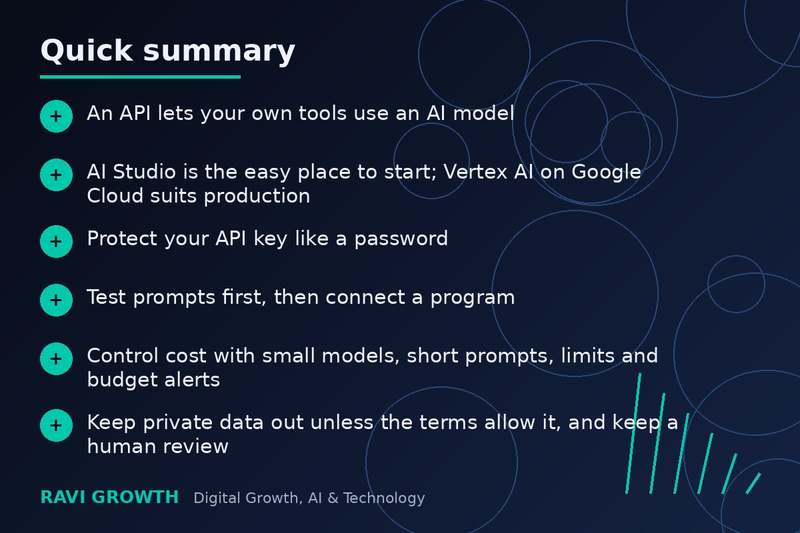
- An API lets your own tools use an AI model.
- AI Studio is the easy place to start; Vertex AI on Google Cloud suits production.
- Protect your API key like a password.
- Test prompts first, then connect a program.
- Control cost with small models, short prompts, limits and budget alerts.
- Keep private data out unless the terms allow it, and keep a human review.
Frequently asked questions
Do I need to code? To test prompts, no. To connect a program, some code is needed, or a developer.
Is it free? There have been free tiers with limits. Check current terms.
Which model should I pick? The smallest one that does your task well. Check current options.
Is it safe for customer data? Only if the terms and settings allow it and you have the right to share the data.
Ravi Growth builds practical AI tools and agents for small businesses, with human review built in. Ask for the free audit on the Contact page.