Ravi GrowthGet Started
Claude
How to Use Claude to Plan a Website: Pages, Content and Structure
Many websites fail before the first page is built. The owner starts with colours and templates, then discovers halfway that they do not know what pages they need, what each page should say or who it is for. Time and money go into redoing the work.
Planning first is cheaper. Claude can help you decide pages, structure and first-draft text in an afternoon. This guide shows the steps. You can use the same method with any AI assistant.
What a website plan contains
A good plan answers six questions:
- Who is the website for?
- What should visitors do (call, book, enquire, buy)?
- What pages are needed?
- How do they connect?
- What does each page say?
- How will you know it works?
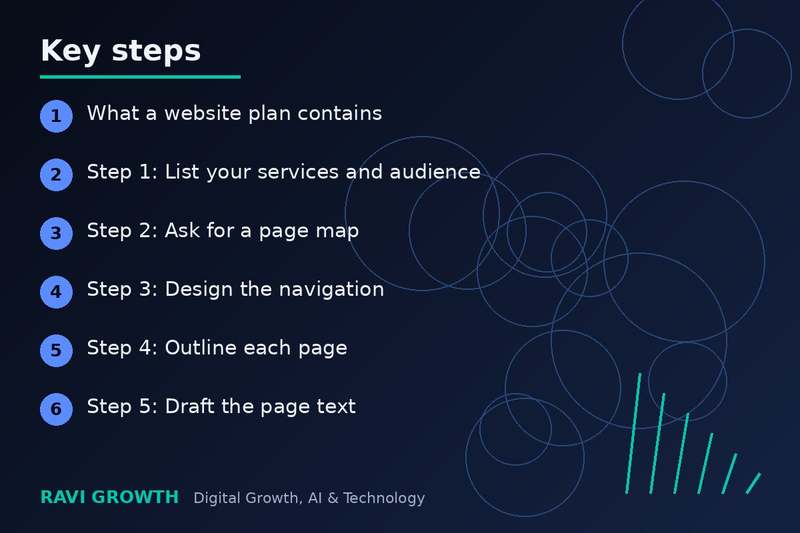
Step 1: List your services and audience
Start with facts, not design. Write down:
- Each service or product you sell.
- Who buys each one (type of person or business, and where).
- The main problem each one solves.
- Three reasons people choose you.
- Three questions customers always ask.
- The one action you want most (for example, "send an enquiry").
Prompt: I run [business] in [city]. Services: [list]. Customers: [description]. Reasons they choose us: [list]. Questions they ask: [list]. The main action I want visitors to take: [action]. Summarise this back to me as a website brief, and point out anything unclear or missing.
Reading the summary will show where your thinking is thin.
Step 2: Ask for a page map
Prompt: Using this brief, propose the pages for a small business website. For each page give: name, purpose, who it is for, and the one action a visitor should take. Keep it as small as it can be while still working. Show how pages link in a simple outline.
A typical small business set:
- Home. What you do, for whom, and the main action.
- Services. One overview page, and one page per major service.
- About. Who you are, honestly.
- Contact or Enquiry. Form, email, address, hours.
- FAQ. Answers to common questions.
- Policies. Privacy, terms, refunds where relevant.
- Blog or Resources, if you will really maintain it.
Resist the urge to add pages. Ten useful pages beat thirty thin ones.
Step 3: Design the navigation
Visitors should reach what they want within two clicks. Keep the main menu to five to seven items.
Prompt: Suggest the main menu and footer links for this page map. Explain in one line why each item is where it is. Which pages should not be in the main menu?
Use words your customers use. "Rooms" is clearer than "Accommodation Solutions".
Step 4: Outline each page
For each page, ask for sections in order.
Prompt: For the Home page, give a section-by-section outline: headline idea, short intro, main benefits, services overview, trust section, FAQ and a final call to action. For each section, say what it needs from me (facts, photos, numbers).
Sections often needed:
- A headline that says what you do and for whom.
- A short explanation.
- Proof: real photos, real numbers, real reviews with permission.
- Clear next step: a button, a form or a phone number.
Step 5: Draft the page text
Do one page at a time.
Prompt: Write the Home page text based on the outline. Plain words, short sentences, no hype. Use only the facts I gave. Where you need a fact I did not give, write [ADD FACT].
The [ADD FACT] rule stops invented claims like "award-winning" or "trusted by 500 clients".
Step 6: Review for clarity
Paste your draft back for a critique.
Prompt: Review this page as a first-time visitor who is in a hurry. What is unclear? What question is left unanswered? Which sentences are generic? Suggest specific edits.
Then test with a real person. Show it to someone who does not know your business and ask them: "What do we do, and what would you click next?" If they hesitate, simplify.
Step 7: Plan for search and speed
Ask Claude for a basic search setup for each page:
- One main topic per page.
- A clear title and a short description.
- Headings that match real questions.
- Alt text for images.
Prompt: For each page, suggest a title under 60 characters and a meta description under 155 characters. Keep them honest and specific.
Plan for speed and mobile use: compress images, avoid heavy animations, test on a phone. Most visitors will arrive on one.
Step 8: Fill the gaps with real content
AI can structure and draft, but it cannot supply what makes your site yours:
- Real photos of your place, team and work.
- Real prices or price ranges.
- Real reviews, with permission.
- Real contact details.
- Real policies.
Gather these before you build. A site with real content beats a prettier site with stock text.
Common mistakes
- Starting with design. Plan the content first.
- Too many pages. Each page needs a purpose and an owner.
- No clear action. Every page needs one main next step.
- Fake proof. No invented testimonials, clients or numbers.
- Copying competitors. Learn from them, then write your own.
- Forgetting policies. Privacy and terms matter, especially if you collect enquiries. Have them reviewed by a qualified person.
A one-week plan
- Day 1: Write the brief (services, audience, action).
- Day 2: Create and approve the page map.
- Day 3: Outline each page.
- Day 4: Draft Home and Services pages.
- Day 5: Draft About, Contact and FAQ.
- Day 6: Gather photos and facts; fill the [ADD FACT] gaps.
- Day 7: Review with a real person, then hand to the designer or builder.
Quick summary
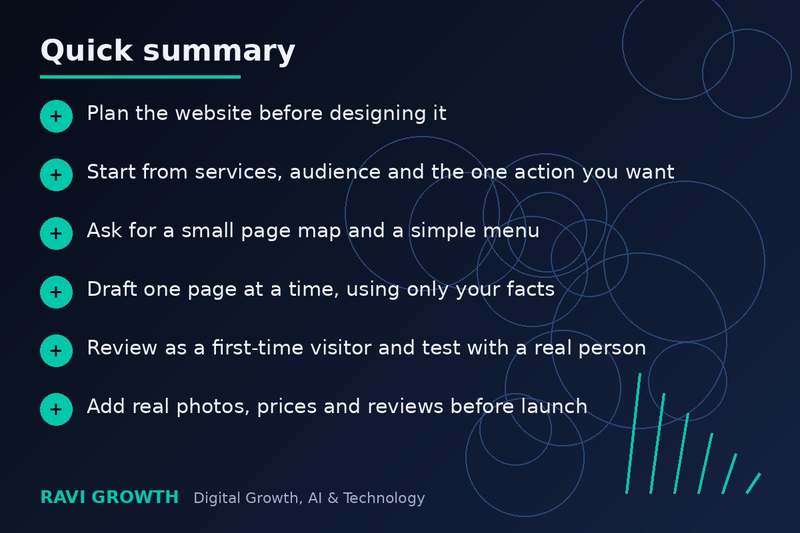
- Plan the website before designing it.
- Start from services, audience and the one action you want.
- Ask for a small page map and a simple menu.
- Draft one page at a time, using only your facts.
- Review as a first-time visitor and test with a real person.
- Add real photos, prices and reviews before launch.
Frequently asked questions
How many pages does a small business need? Often six to ten, covering home, services, about, contact, FAQ and policies.
Can Claude build the website? It can help draft text and, with the right tools, code. Planning is where it helps most for beginners.
Should I use AI text as is? No. Edit it, add your facts, and check every claim.
What comes after planning? Choose a builder or developer, build, test on mobile, then publish and set up analytics.
Ravi Growth plans and builds fast, search-friendly websites for businesses in India and abroad. Ask for the free audit through our Contact page.