Ravi GrowthGet Started
Claude
How to Use Claude to Write Clear Business Emails and Proposals
A clear proposal wins work. A vague one loses it, even when your service is better. Most consultants and agency owners know what they want to say. The difficulty is saying it clearly, in the right tone, quickly.
Claude, the AI assistant from Anthropic, writes natural, well-structured text. It is a strong first-draft partner. The aim of this guide is to get from a blank page to a good draft in minutes, and then make it sound like you.
Features and plans change. Check Claude's current help pages for current options.
Why your own voice matters
Clients choose people. A proposal that sounds like everyone else's reads like a template. So the method is: Claude drafts, you decide, and you rewrite the parts that carry your personality, such as the opening, the promise and the sign-off.
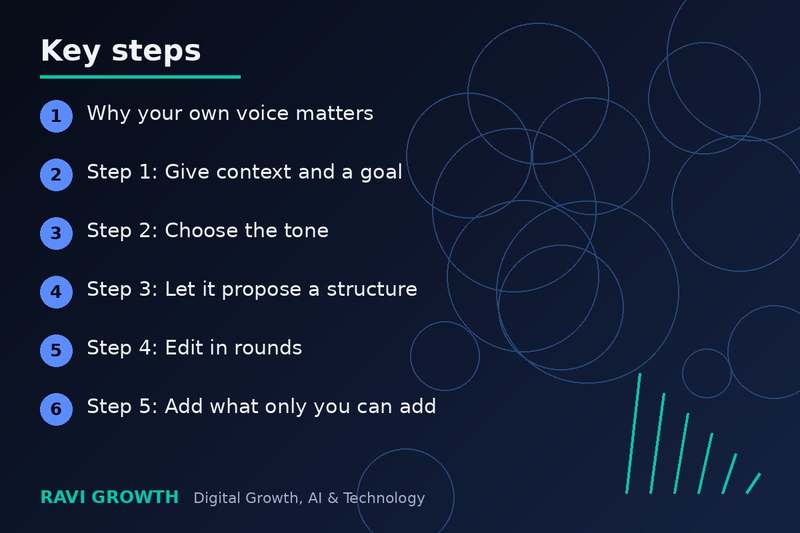
Step 1: Give context and a goal
The most common weak prompt is "Write a proposal for a website project." Claude has to guess everything. Give it:
- Who the reader is. Role, industry, size, what they care about.
- What you know about their problem. In their words, if you have them.
- Your goal. Win the project, get a meeting, ask for payment, say no politely.
- Your offer. Scope, timeline, price, what is included and excluded.
- Constraints. Length, deadline, things to avoid.
Prompt: I run a small web agency in Jaipur. A hotel owner wants a new website because her bookings come mostly from OTAs. Her main worry is commission cost and she is not technical. Write a one-page proposal to win the project. Scope: 8-page website, booking enquiry form, Google Business Profile setup. Timeline: 5 weeks. Price: [price]. Not included: paid ads, photography. Use plain words.
Notice what is included and what is not. Stating exclusions avoids disputes later.
Step 2: Choose the tone
Tone decides how a message feels. Tell Claude directly.
- "Warm and professional, like a trusted advisor."
- "Direct and brief, for a busy founder."
- "Formal, for a government or corporate buyer."
- "Friendly but firm, for a late payment."
Ask for two versions in different tones and compare. You will quickly see which one is closer to you.
Prompt: Write the opening paragraph twice: once warm and personal, once short and direct. Under 60 words each.
Step 3: Let it propose a structure
For longer documents, ask for an outline first.
Prompt: Before writing, give me an outline for this proposal with a one-line description for each section. I will approve it first.
A sound proposal usually contains:
- Understanding of the client's situation. Prove you listened.
- The proposed solution. What you will do, in plain terms.
- Deliverables and timeline. Clear dates or weeks.
- Price and payment terms.
- What is not included.
- Next steps. One simple action.
- About you. Short, relevant, honest.
Approve or change the outline, then ask for the full draft.
Step 4: Edit in rounds
Do not expect a perfect draft the first time. Use short follow-up instructions:
- "Shorten by a third."
- "Make the first paragraph about her problem, not about us."
- "Replace jargon with plain words."
- "Make the price section clearer. Show what each amount covers."
- "Remove anything that sounds like a sales slogan."
Three rounds usually give a strong result. Each round is faster than writing from scratch.
Step 5: Add what only you can add
AI cannot know your real projects, your client's real history or your actual prices. Add:
- A specific example from similar work, only if it is true and you have permission to mention it.
- Real numbers from your past results, if you can document them.
- One personal line that shows you listened: a detail from your conversation.
Never invent past clients, results or testimonials. If you do not have a case study yet, say so honestly, and describe your process instead.
Step 6: Use it for everyday emails
Claude is also useful for routine business emails.
- Follow-up after a meeting. "Write a short follow-up with three action points. Meeting notes: [paste]."
- Chasing payment. "Write a polite but firm reminder. Invoice [number] is 14 days late."
- Saying no. "Decline this request politely and suggest an alternative."
- Introducing yourself. "Write a short cold email to a restaurant owner. Offer a free 15-minute website review. No hype."
For cold outreach, follow the law and the platform rules about unsolicited messages. Be honest in subject lines, say who you are and respect opt-outs.
Step 7: Final human check
Before sending, read the whole document aloud. Check:
- Facts. Names, company, dates, scope and price.
- Promises. Is each one something you can deliver?
- Tone. Would you say this to the client's face?
- Clarity. Could the reader act on it without calling you?
- Confidential details. Did you leave in anything from another client?
- Spelling of the client's name and company. This is the easiest error to miss and the most embarrassing.
If you can, ask a colleague for a two-minute read.
Mistakes to avoid
- Asking for "a proposal" with no details. You get a generic one.
- Sending without reading. A confident wrong detail loses trust.
- Over-polished language. If it sounds unlike you, the client will notice.
- Hiding the price. Clear pricing builds trust.
- Pasting confidential client data into any AI tool without permission.
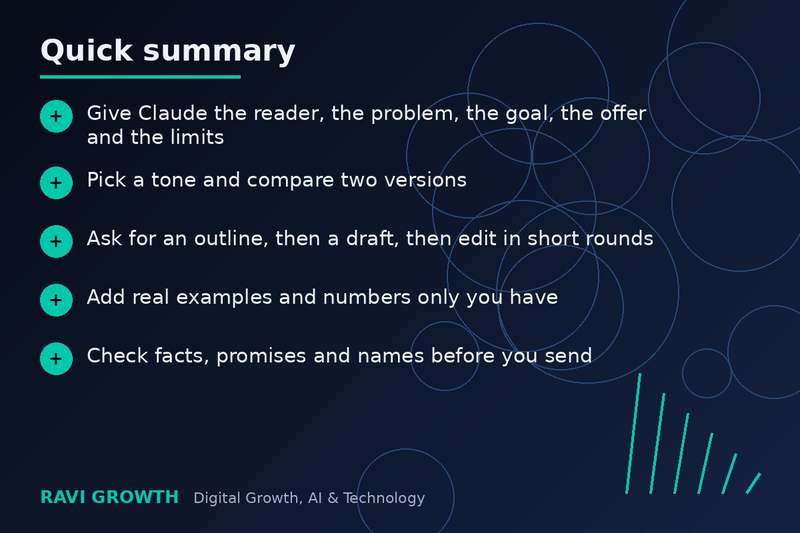
Quick summary
- Give Claude the reader, the problem, the goal, the offer and the limits.
- Pick a tone and compare two versions.
- Ask for an outline, then a draft, then edit in short rounds.
- Add real examples and numbers only you have.
- Check facts, promises and names before you send.
Frequently asked questions
Is Claude better than ChatGPT for writing? Many people find Claude's writing natural, but it depends on the task and your taste. Test both with the same prompt and compare.
Can I paste a client's brief? Check your agreement and remove confidential details first.
Will the client know AI helped? If you edit and add real details it will read like your own work. Be honest if asked.
How long should a proposal be? As short as it can be while covering the seven parts above. For small projects, one to two pages.
Ravi Growth helps agencies and consultants build clear sales documents and processes. Ask for the free audit via our Contact page.