Ravi GrowthGet Started
Claude
How to Turn Meeting Notes into Tasks with Claude
A meeting without follow-up is a conversation. People leave with different ideas of what was agreed, and a week later nothing has moved. The fix is simple: within an hour of the meeting, send a short note that says what was decided, who does what, and by when.
Most teams skip it because writing it takes effort. Claude can turn rough notes into a clean list in one step. You still check it, because an action assigned to the wrong person is worse than no action.
What a good follow-up contains
- Decisions. What was agreed, in one line each.
- Actions. What needs doing, who owns it, and the due date.
- Open questions. What is unresolved and who will answer it.
- Next meeting. Date and purpose.
Anything longer than one page will not be read.
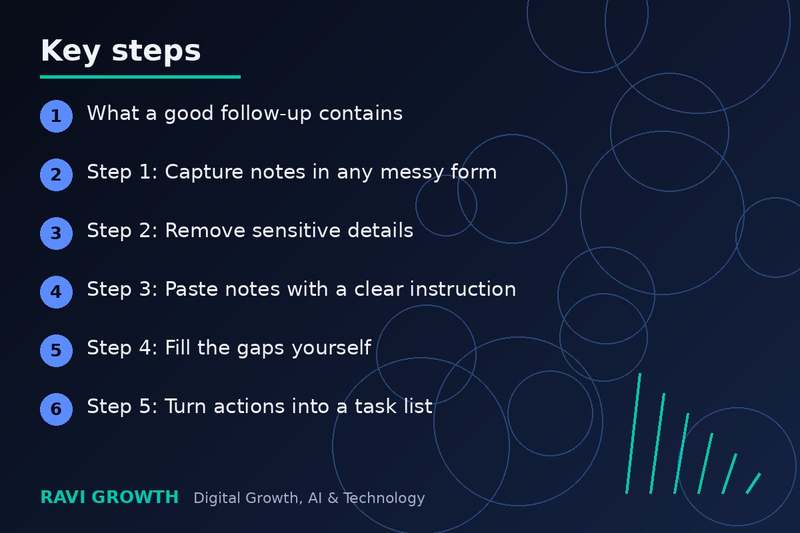
Step 1: Capture notes in any messy form
You do not need a perfect record. Quick bullets, voice-to-text, or an exported transcript all work. Two habits help:
- Note names next to commitments as they happen: "Priya to send quote by Friday".
- Note decisions as decisions: "Decided: launch on 5 December".
If you record or transcribe the meeting, tell the participants first. Laws and workplace rules on recording differ, so get consent.
Step 2: Remove sensitive details
Before pasting, ask yourself whether the notes contain salary, health, legal or client-confidential information. Remove or mask them. Check your plan's privacy settings and your company's AI policy.
Step 3: Paste notes with a clear instruction
Prompt: Below are rough notes from a team meeting. Create: (1) decisions made, (2) an action table with columns: task, owner, due date, (3) open questions with who should answer, (4) a two-line summary. Use only what is in the notes. If an owner or date is missing, write "not stated". Do not guess. Notes: [paste]
The last two sentences matter. Without them, AI tends to assign people and dates that sound reasonable but were never agreed.
Provide the date of the meeting so relative dates like "next Friday" can be resolved.
Add: The meeting date was [date]. Convert relative dates such as "Friday" into full dates, and tell me which ones you converted so I can check.
Step 4: Fill the gaps yourself
Read the output with the "not stated" items in mind. These are the real findings: places where the meeting ended without a clear owner or date.
For each one, either:
- Decide it now and update the list, or
- Move it to "open questions" and ask the group.
This step is where a meeting becomes useful.
Step 5: Turn actions into a task list
Ask for a format that suits your tool.
Prompt: Convert the action table into a checklist I can paste into Google Tasks, with each line in the format: "[Owner] task, due date".
Or ask for a CSV you can import into a spreadsheet or project tool. Check the import format of your tool first.
Step 6: Draft the follow-up message
Prompt: Write a short follow-up email to the team from me. Include the decisions, the action table and the next meeting date. Friendly, clear, under 150 words excluding the table. Ask everyone to reply if anything is wrong.
"Reply if anything is wrong" invites corrections early.
Step 7: Send for approval
Do not send before checking. A short method:
- Read each action. Did the named person actually agree?
- Check each date against the calendar.
- Confirm decisions match what you remember.
- If you were not the only note-taker, compare with the other notes.
- For sensitive decisions, send to the decision-maker first.
For a team you manage, send within an hour. For a client meeting, send within a day.
Step 8: Follow up
A list nobody revisits is clutter. Agree a rhythm:
- At the start of the next meeting, review each action: done, in progress or blocked.
- For recurring meetings, paste last week's list and this week's notes and ask Claude to show what was completed, what carried over and what is new.
Prompt: Here are last week's actions and this week's notes. Show which actions were completed, which remain open, and any new actions. Only use what the notes say.
Using it for different meetings
- Client calls: extract what the client asked for and what you promised. Send it back to the client to confirm scope.
- Team stand-ups: summarise blockers and who can help.
- Brainstorms: group ideas by theme and mark which were chosen.
- Interviews: summarise answers by question. Keep hiring notes fair, factual and compliant with your hiring policies.
Mistakes to avoid
- Letting AI assign owners. Only people who agreed own actions.
- Skipping dates. An action without a date will slip.
- Sending an unchecked list. One wrong action causes confusion.
- Pasting sensitive details into AI tools without permission.
- Never following up. The list matters only if someone reviews it.
- Too many actions. If there are twelve, pick the three that matter most.
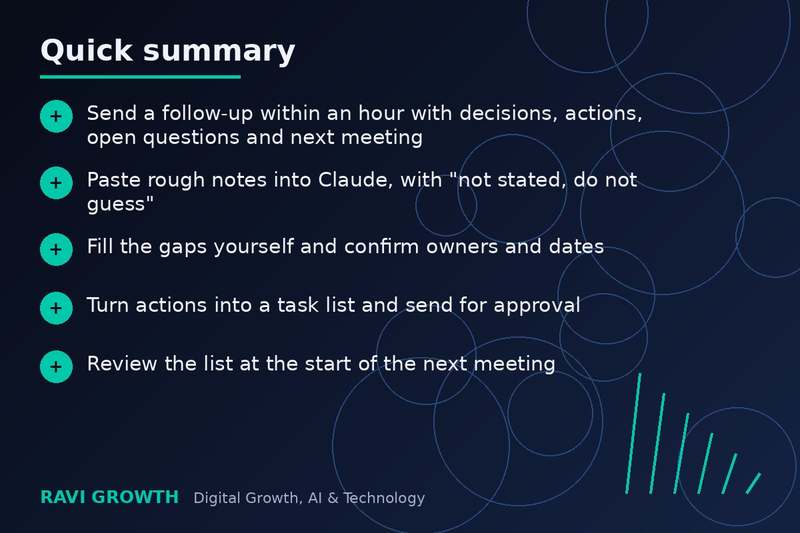
Quick summary
- Send a follow-up within an hour with decisions, actions, open questions and next meeting.
- Paste rough notes into Claude, with "not stated, do not guess".
- Fill the gaps yourself and confirm owners and dates.
- Turn actions into a task list and send for approval.
- Review the list at the start of the next meeting.
Frequently asked questions
Can Claude join my meetings? Not by itself in a chat. You paste notes or a transcript from your meeting tool.
Is it safe to paste a transcript? Remove sensitive information, get consent to record, and check your plan's privacy terms.
What if the notes are poor? The output will be poor. Even two minutes of notes on decisions and owners makes a large difference.
How long should follow-ups be? One page at most.
Ravi Growth helps teams build simple routines and AI-assisted workflows for meetings, tasks and follow-up. Book the free audit on our Contact page.