Ravi GrowthGet Started
ChatGPT
How to Use ChatGPT to Answer Customer Questions on WhatsApp
For many Indian small businesses, WhatsApp is where customers ask about prices, timings, bookings and delivery. Replies need to be fast and accurate. They are also repetitive: the same ten questions arrive every week.
ChatGPT can help you draft replies and build a library of answers. This guide covers the safe way to do it. One note up front: this article is about customer chats on WhatsApp as a messaging app. The Ravi Growth website itself uses enquiry forms and email, not WhatsApp buttons.
What this guide covers
You will copy and paste between WhatsApp and ChatGPT yourself. That keeps a person in the loop and keeps you in control. Automatic replies through the WhatsApp Business API are a different, larger project with its own rules, costs and approvals. Check Meta's current terms before considering that.
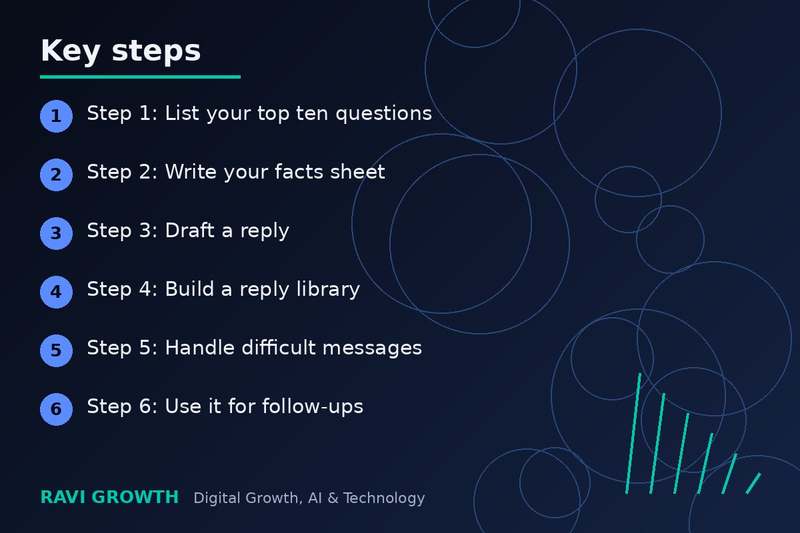
Step 1: List your top ten questions
Open your chats from the last month. Note the questions that appear again and again. Typical ones:
- What are your timings?
- What is the price of [service]?
- Do you have availability on [date]?
- Where are you located?
- What is your cancellation or refund policy?
- Can I pay by UPI?
Write the correct answer to each in plain words. These facts are the source of truth.
Step 2: Write your facts sheet
Create one document with:
- Opening hours.
- Price list.
- Address and map link.
- Payment methods.
- Cancellation and refund policy.
- What you do not offer.
Paste it into ChatGPT at the start of a session and tell it to use only these facts.
Prompt: You help me draft WhatsApp replies for [business]. Use only the facts below. If the answer is not in the facts, say "Need to check" instead of guessing. Write short, friendly messages in simple English, or Hindi if I ask. Facts: [paste facts sheet]
Step 3: Draft a reply
Prompt: A customer wrote: "[paste message, remove their name and number]". Draft a reply under 50 words. Be polite and clear. End with one question or next step.
Compare the draft to your facts. Edit. Send.
Short messages work on WhatsApp. Long paragraphs get ignored on a phone screen.
Step 4: Build a reply library
Ask ChatGPT to write a polished version of each of your top ten answers, in both English and simple Hindi if you serve both.
Prompt: Write a ready-to-send WhatsApp reply for each of these questions using my facts. Keep each under 40 words. Provide English and Hindi versions. Questions: [list]
Save the approved replies in WhatsApp Business "Quick Replies" if you use the Business app, or in a note. Then most answers take seconds, and you only use ChatGPT for unusual questions.
Step 5: Handle difficult messages
For complaints, delays and refund requests, ask for tone help.
Prompt: A customer is angry that their order is late. Facts: order placed [date], delay due to [reason], new delivery [date]. Draft a calm reply that apologises once, gives the facts and offers [what you can actually offer]. Under 60 words.
Do not promise anything you cannot deliver. If the issue is serious, call the customer.
Step 6: Use it for follow-ups
Leads go cold when nobody follows up.
Prompt: Write a polite follow-up for a customer who asked about [service] two days ago and did not reply. Do not sound pushy. Under 35 words. Offer to answer questions.
Only message people who have contacted you. Respect opt-outs. Sending bulk promotional messages to people who did not agree to receive them can break WhatsApp's rules and Indian regulations. Check current rules.
Step 7: Protect customer data
- Remove names, phone numbers, addresses and order IDs before pasting.
- Never paste payment details or OTPs.
- Keep medical or financial details out entirely.
- Review your ChatGPT data settings.
If you must discuss a specific order, use the order reference only inside WhatsApp, and use ChatGPT only for the wording.
Step 8: Keep a human check
Before sending, ask yourself:
- Is every price, date and time correct?
- Does the reply answer the question that was asked?
- Is the tone right for this customer?
- Did I promise anything I cannot do?
A wrong price in writing can become a dispute. Take ten seconds to check.
Measure the result
For two weeks, note:
- How many minutes you spend on replies each day.
- How long customers wait for the first reply.
- How many enquiries become bookings.
If time spent falls and bookings stay level or rise, the system works. If customers say replies feel robotic, edit more or call them.
When not to use ChatGPT
- Anything involving a safety or health emergency.
- Legal threats and formal complaints. Get proper advice.
- Highly personal situations where a human voice matters.
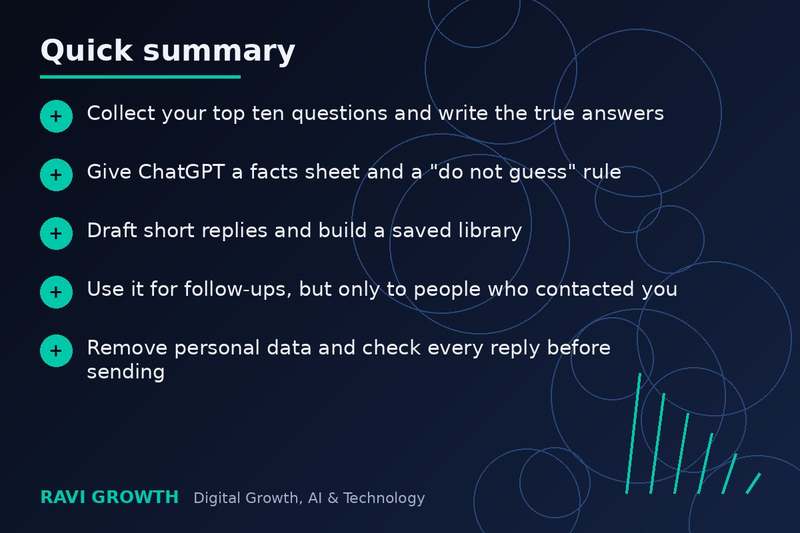
Quick summary
- Collect your top ten questions and write the true answers.
- Give ChatGPT a facts sheet and a "do not guess" rule.
- Draft short replies and build a saved library.
- Use it for follow-ups, but only to people who contacted you.
- Remove personal data and check every reply before sending.
Frequently asked questions
Can ChatGPT reply automatically on WhatsApp? Not by itself. Automation needs the WhatsApp Business Platform and a developer setup, with its own rules and fees. Check Meta's current documentation.
Is it safe to paste customer messages? Remove personal details first. Review the tool's data settings.
Which language should I use? Reply in the language the customer used.
How fast should I reply? As soon as you reasonably can. A quick "we'll confirm in an hour" is better than silence.
Ravi Growth can help you design a customer-reply process that fits your business. Use the enquiry form to ask for the free audit.