Ravi GrowthGet Started
ChatGPT
How to Use ChatGPT to Create a Month of Social Media Content

Posting regularly is hard because every day you start from zero. A content calendar fixes that. You decide the themes once, then fill in each day quickly. ChatGPT is good at the filling in.
Here is a method that takes about two hours at the start of the month and saves far more than that.
Step 1: Write down the basics
ChatGPT needs these facts. Write them in a note and reuse it every month.
- What you sell and to whom.
- Your city or area.
- Three things customers like about you.
- Three questions customers often ask.
- Your tone (friendly, premium, playful).
- Which platforms you use (Instagram, Facebook, LinkedIn, YouTube Shorts).
- How much time you have each week.
Be honest about time. A plan with three posts a week that you keep is better than daily posts you abandon.
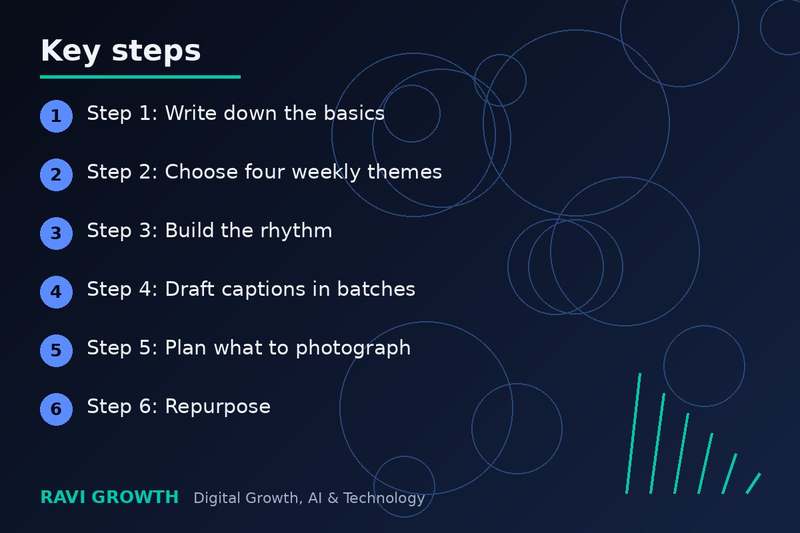
Step 2: Choose four weekly themes
Themes stop you from running out of ideas. Ask for options.
Prompt: I run [business] for [customer] in [city]. Suggest 6 recurring content themes, such as tips, behind the scenes, customer stories and offers. For each, say how much effort it takes (low, medium, high) and what kind of post suits it.
Pick four. For example, a small gym might choose: "Monday motivation and tips", "Wednesday member story", "Friday offer", "Sunday meal or recovery idea".
Step 3: Build the rhythm
Decide on posts per week and map themes to days.
Prompt: Create a 4-week content calendar for [platform]. We post 4 times a week. Themes: [list]. Include date, theme, post format (photo, Reel, carousel, text), one-line idea, and what I need to prepare. Start on [date]. Mark Indian festivals and public holidays in this period that are relevant to my business.
Check the festival dates against an official calendar. Festival dates vary by year and region, and ChatGPT can get them wrong.
Step 4: Draft captions in batches
Do a week at a time so the quality stays high.
Prompt: Using the calendar above, write captions for week 1. Each caption: first line is a hook, 40 to 70 words total, one clear action at the end, 3 to 5 relevant hashtags. Tone: [tone]. Do not use claims I have not given you. Facts to use: [facts].
Read each caption aloud. If it does not sound like you, say so: "Make it more casual and remove the exclamation marks." Two rounds of edits usually get it right.
Step 5: Plan what to photograph
Most weak posts fail on the visual, not the words. Ask for a shot list.
Prompt: From the week 1 plan, give me a shot list I can complete in one 45-minute session with a phone. Group shots by location in my shop so I do not walk back and forth.
Take all photos and short videos for the week in one go. This is called batching, and it is the biggest time saver.
Step 6: Repurpose
One idea can become four pieces.
- A tip becomes a carousel, a short Reel script, a story poll and an FAQ line on your website.
- A customer story becomes a quote card and a Google Business Profile post.
Prompt: Turn this post into a 30-second Reel script, a 3-slide carousel outline and a story poll. Post: [paste]
Step 7: Add a review step
Before anything goes out:
- Are prices, offers and dates correct?
- Do you have permission to show any person's face or name? Ask first.
- Are image and music rights clear? Use your own photos or properly licensed material.
- Does any claim sound like a medical, financial or result guarantee? Remove it.
- Is the tone right for the day? Avoid a cheerful promo on a day of sad public news.
A second person glancing over the week's posts for five minutes catches most errors.
Step 8: Learn from results
At month end, look at your platform's insights. Note the three best and three weakest posts. Paste the list into ChatGPT.
Prompt: Here are my best and weakest posts this month with their reach and saves: [paste]. What patterns do you see? Suggest 5 changes for next month. Remember that I have only 3 hours a week.
Treat its answer as a hypothesis. Test it next month.
Mistakes to avoid
- Over-planning. A 90-day plan nobody follows is worse than a 2-week plan that works.
- Only selling. If every post is an offer, people stop watching. Mix in useful and personal posts.
- Same text on every platform. Adjust length and format.
- Hashtag overload. A few relevant ones beat thirty random ones.
- Ignoring comments. Reply within a day. Engagement is part of the work.
A sample week
| Day | Theme | Format | Idea |
|---|---|---|---|
| Mon | Tip | Carousel | Three common mistakes beginners make |
| Wed | Customer story | Photo + caption | A member's three-month change (with permission) |
| Fri | Offer | Single image | Weekend trial class |
| Sun | Behind the scenes | Reel | Opening the gym at 5:30 am |
Use this as a starting pattern, not a rule.
Quick summary
- Write your basics once and reuse them.
- Pick four themes and a realistic posting rhythm.
- Draft captions a week at a time and edit for your voice.
- Photograph in one batch and repurpose each idea.
- Review facts and permissions before posting, and learn from results.
Frequently asked questions
How many posts per week are enough? The number you can keep up. Three good posts weekly beats daily rushed ones.
Can ChatGPT schedule posts? No. It writes the text. Use your platform's scheduler or a scheduling tool to post.
Should I disclose AI use? Platform rules differ. Check each platform's current policy, especially for realistic generated images.
What if I run out of ideas? Ask customers what they want to know, and turn each question into a post.
Ravi Growth can set up a content system and review routine for your business. Ask for the free audit on our Contact page.