Ravi GrowthGet Started
AI for business
5 Free AI Tools Every Small Business Should Try This Month
There are thousands of AI tools, and new ones appear weekly. Most small business owners have no time to test them all, so they test none. This guide picks five types of tool worth a try, each with a clear job. All have offered free plans at the time of writing, but free plans change quickly, so check each tool's current plan and terms before relying on it.
We name well-known tools as examples. Names, features and limits change, so treat this as a starting point, and do your own test.
Before you try anything: three rules
1. Free has a cost. Free plans often have usage limits, fewer features, and sometimes different data terms. Read how your data may be used. If the tool may learn from your inputs, do not paste private or customer data.
2. Test with fake or harmless data first. Use sample text, not real customer records.
3. Keep a human in charge. Every output is a draft. You check it before it reaches a customer.
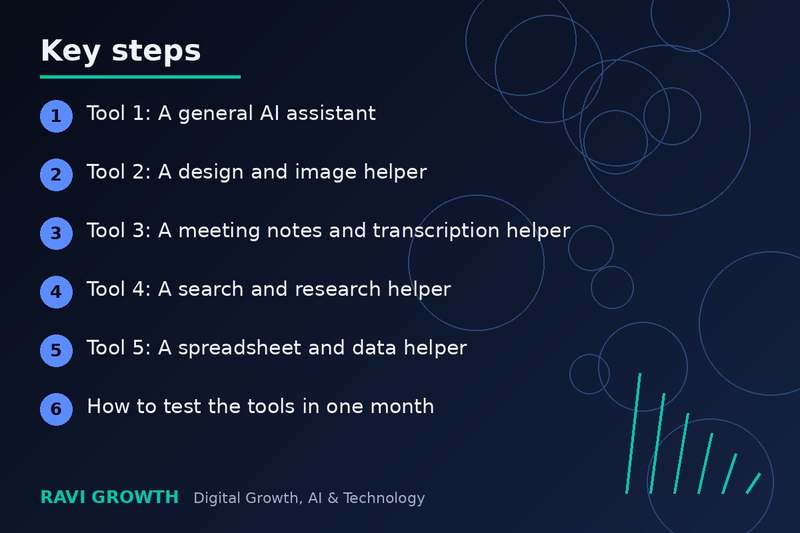
Tool 1: A general AI assistant
Job: drafting, summarising, brainstorming, explaining.
Examples: ChatGPT, Claude and Gemini all have had free tiers with limits.
Try this week: Take one repetitive writing job, such as replying to a common customer question, and ask the assistant for three drafts using the five-part prompt formula from our prompt guide.
Watch for: wrong facts, usage limits, and data settings. Check each tool's privacy options.
Success looks like: you save ten minutes on a task you do often, and the result still sounds like you.
Tool 2: A design and image helper
Job: social posts, simple banners, menus, posters and product images without a designer.
Examples: Canva has had a free plan with templates and some AI features. Some assistants also generate images.
Try this week: Make one social media template with your logo, colours and fonts. Reuse it for a month of posts.
Watch for: - Some elements are marked for paid plans only. - Check the licence for images and fonts before commercial use. - AI-generated images can contain errors, such as odd hands, wrong text or products that look different from yours. Never use a generated image to show your real product or a real person who does not exist as if they were a customer. - Platform rules may require labels for realistic AI-generated images.
Success looks like: a consistent look for your posts, made in a few minutes each.
Tool 3: A meeting notes and transcription helper
Job: turn calls and meetings into text, summaries and action lists.
Examples: Several transcription and note-taking tools have offered free plans with monthly limits, and your video call tool may include built-in notes on some plans. Check what you already have.
Try this week: Use it on one internal team call. Compare the summary to your own memory. Then use the method in our guide on turning meeting notes into tasks.
Watch for: - Consent. Tell everyone that the call is being recorded or transcribed. Laws and company rules differ. - Accuracy. Names, numbers and accents can be misheard. Check key points. - Sensitive calls. Do not record legal, medical or HR conversations without clear permission. - Where the audio is stored, and for how long.
Success looks like: every meeting ends with a short list of who does what by when.
Tool 4: A search and research helper
Job: quickly understand a topic, compare options and find sources.
Examples: AI search tools and search engines with AI summaries, and assistants with web search features. Availability and limits vary.
Try this week: Research one supplier or competitor question. Ask the tool for sources, then open them yourself and check that they say what the summary says.
Watch for: - Invented or misquoted sources. Always open the link. - Old information. Check dates. - Confident wrong answers. Cross-check important facts. - Bias toward popular sources.
See our guide on researching a market and competitors for a full method.
Success looks like: you understand a topic in 20 minutes instead of 2 hours, and you have verified the key facts.
Tool 5: A spreadsheet and data helper
Job: cleaning data, writing formulas, spotting trends and explaining numbers in plain language.
Examples: Google Sheets and Microsoft Excel have added AI features on some plans, and general assistants can explain formulas or analyse an uploaded sheet where their plan allows. Check what is free and what is paid.
Try this week: Take one month of sales or enquiries, with personal details removed. Ask for totals by week and by product, then check two totals yourself. See our guide on analysing a spreadsheet.
Watch for: - Personal and financial data. Remove it before upload. - Wrong calculations. Spot-check. - Messy data leading to wrong answers. Clean headers first.
Success looks like: a repeatable monthly review that takes half an hour.
How to test the tools in one month
Week 1: Pick one tool and one task. Write down how long the task takes you now.
Week 2: Use the tool for that task. Time it, and count edits you had to make.
Week 3: Compare. Did it save time? Did quality hold up? Any surprises or errors?
Week 4: Keep, drop or upgrade. Then pick the next tool.
Do not test five tools in the same week. You will learn nothing from any of them.
A simple scorecard
Rate each tool from 1 to 5:
| Question | Score |
|---|---|
| Saves real time on a real task | |
| Output needs few corrections | |
| Easy for me and my team to use | |
| Free plan is enough, or paid price is fair | |
| Data terms are acceptable |
Keep tools that score well, especially on data terms. Drop the rest.
Safety checklist for any free tool
- [ ] I have read how my data is used.
- [ ] I have not pasted private customer or financial details.
- [ ] I have used a business email I control to sign up.
- [ ] I have a strong, unique password, with two-step verification on.
- [ ] I know what happens if the free plan ends or changes.
- [ ] I check outputs before using them.
- [ ] I can export my work if I leave.
Mistakes to avoid
- Signing up for everything. Tool overload wastes time.
- Pasting sensitive data into free tools.
- Trusting output without checks.
- Ignoring licence terms for images and fonts.
- Recording calls without consent.
- Paying before testing.
Quick summary
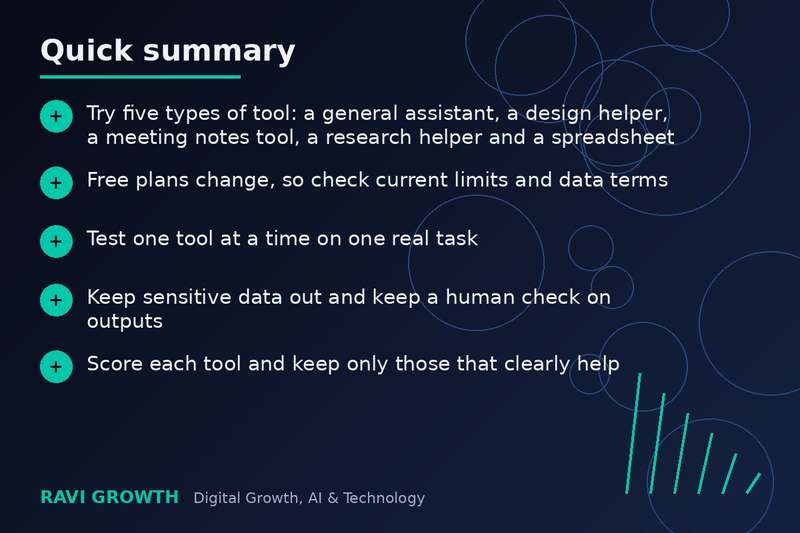
- Try five types of tool: a general assistant, a design helper, a meeting notes tool, a research helper and a spreadsheet helper.
- Free plans change, so check current limits and data terms.
- Test one tool at a time on one real task.
- Keep sensitive data out and keep a human check on outputs.
- Score each tool and keep only those that clearly help.
Frequently asked questions
Are free AI tools safe for business? They can be, if you read the data terms, avoid sensitive data and check outputs.
Which one should I start with? A general assistant, applied to a task you do every week.
When should I pay? When free limits block a task that is worth the price and you have tested the benefit.
Do I need technical skill? No. Each of these can be used from a browser by a beginner.
Ravi Growth helps small businesses choose, set up and safely use AI tools, with a simple team policy. Ask for the free audit on the Contact page.