Ravi GrowthGet Started
AI for business
How to Make Your Website Friendly to AI Search (AIO, GEO and llms.txt)
More people now ask a question to an AI assistant or read an AI-written summary at the top of a search page, instead of scrolling through ten blue links. That changes how businesses get found. If an AI tool can understand your site and quote it correctly, you may be named in the answer. If it cannot, you may be skipped.
This guide explains the terms and gives practical steps. A caution first: this field is new and changing fast. Nobody outside the AI companies knows exactly how their systems choose sources, and anyone who promises a guaranteed result is guessing. The steps here are good practice for people and machines alike, and they help you whatever happens next.
The terms, in plain words
SEO (search engine optimisation): making your site easy to find in traditional search.
AIO (AI optimisation, or in some usages, optimisation for AI overviews): making your content suitable for AI-generated answers, such as summaries shown on search pages.
GEO (generative engine optimisation): making your content easy for generative AI tools to understand, trust and cite.
llms.txt: a proposed plain text file placed at the root of a website that gives AI tools a short, readable guide to your site. It is a proposal, not an official standard that all tools follow.
The labels are used loosely and differ between writers. What matters is the practice behind them.
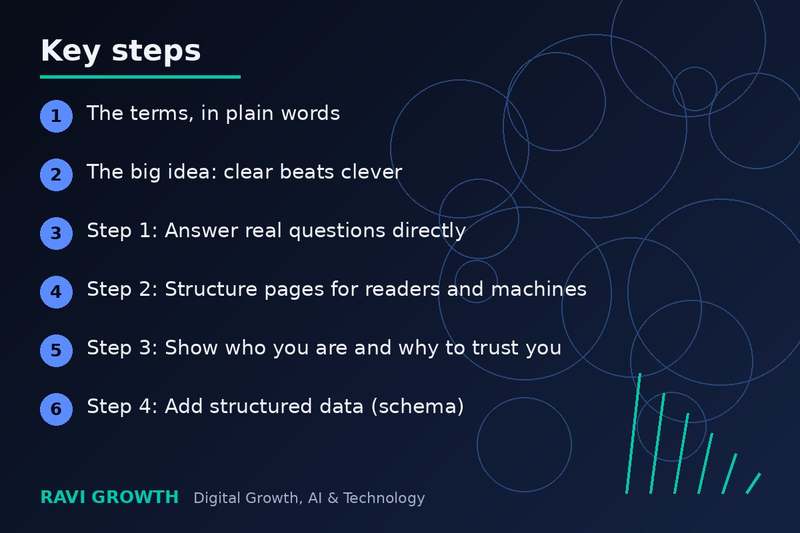
The big idea: clear beats clever
AI systems read text. They favour pages that state facts clearly, are well organised, and come from sources that appear trustworthy. Tricks and keyword stuffing do not help, and may hurt. Good, honest, clearly written content is the foundation.
Step 1: Answer real questions directly
People ask AI full questions: "What does a website audit include?" "How much does hotel software cost in India?" Build pages that answer such questions.
- Put the question in a heading.
- Give a direct answer in the first one or two sentences below it.
- Then add detail, examples and limits.
- Use plain language and define terms.
- Say who the answer is for and where it applies.
Example: "What does a website audit include? A website audit checks speed, mobile layout, search visibility, content clarity and enquiry paths, and ends with a ranked list of fixes."
Avoid vague marketing language. "We deliver innovative solutions" gives an AI nothing to quote.
Step 2: Structure pages for readers and machines
- One main topic per page.
- A clear title and one main heading.
- Subheadings in a logical order.
- Short paragraphs, and lists or tables where they genuinely help.
- A short summary near the top or bottom.
- An FAQ section with real customer questions and honest answers.
- A visible date for when the page was last reviewed, if the content can go out of date.
Good structure also helps people with screen readers, and helps ordinary search.
Step 3: Show who you are and why to trust you
AI and search systems look for signals that a source is real and reliable.
- A clear About page: who runs the business, where it is, what it does.
- Real contact details: email, address, hours.
- Named authors with relevant experience on articles, where appropriate.
- Honest claims backed by evidence. No invented awards, clients or reviews.
- Consistent business name, address and description across your site, Google Business Profile and directories.
- Links to and from reputable sources where natural.
Never fabricate credentials or testimonials. It harms trust, and may breach the law.
Step 4: Add structured data (schema)
Schema is code that labels your content so machines can read it precisely: this is a business, this is its address, this is a question and answer, this is an article, this is a product.
- Common useful types: Organization or LocalBusiness, Article, FAQPage, Product, Service, BreadcrumbList.
- Use the JSON-LD format recommended in Google's documentation.
- Only mark up what is visible on the page. Do not label content that is not there.
- Test with Google's Rich Results Test and the Schema.org validator.
- Note that Google limits when some rich results appear, such as FAQ results. Check current documentation. Schema can still help machines understand the page.
A developer can add this in an hour for a small site.
Step 5: Keep technical basics healthy
AI tools and search engines must be able to reach and read your pages.
- Sitemap. Provide an up-to-date sitemap.xml, and submit it in Search Console and Bing Webmaster Tools.
- robots.txt. Check it does not block pages you want found. If you want to control access by specific AI crawlers, check each company's current documentation for the crawler names and rules, and decide deliberately. Blocking some crawlers may reduce your chance of being cited, while allowing them means your content may be used.
- Speed and mobile. Fast pages that work on phones.
- HTTPS.
- Working links, with no long chains of redirects.
- Readable text in HTML, not only inside images or heavy scripts.
- Descriptive alt text on images.
Step 6: What is llms.txt, and what are its limits?
llms.txt is a file at your-site/llms.txt written in plain Markdown. A typical file has:
- Your site name and a one-paragraph description.
- A short list of your most important pages, each with a link and a one-line summary.
- Optionally, links to cleaner text versions of key pages.
Example shape:
Your Business Name
One-sentence description of what you do and who you serve.
Key pages
Limits to be honest about:
- It is a community proposal. Major AI companies and search engines have not all said they use it. Check current statements from the specific tools you care about.
- Creating the file is cheap and harmless, but do not expect a ranking or citation boost from it alone.
- It does not replace good content, clear structure, sitemaps or trust signals.
- Keep it accurate. If it contradicts your pages, it creates confusion.
Treat it as a low-cost extra, not a strategy.
Step 7: Watch how you appear
- Search your business and key questions in several AI tools and in Google. Note if you are mentioned and whether the details are right.
- If an answer is wrong about you, fix the clearest source of the error: your own pages, your Google Business Profile, or directory listings.
- Track referral traffic in Google Analytics, looking for visits from AI tools where they identify themselves.
- Repeat monthly and write down the results. Results vary between runs, so look for patterns, not single answers.
Mistakes to avoid
- Chasing tricks or buying "AI ranking" services that promise results.
- Keyword stuffing.
- Thin pages that say little.
- Hiding key facts in images or scripts.
- Blocking everything in robots.txt without understanding it.
- Marking up content that is not on the page.
- Inventing credentials or reviews.
A starter checklist
- [ ] Ten key questions customers ask, each answered on a page.
- [ ] Clear headings and a short answer first.
- [ ] About and Contact pages with real details.
- [ ] Organization and FAQ schema added where content exists.
- [ ] Sitemap submitted, robots.txt checked.
- [ ] Optional llms.txt added and kept accurate.
- [ ] Monthly check of how AI tools describe you.
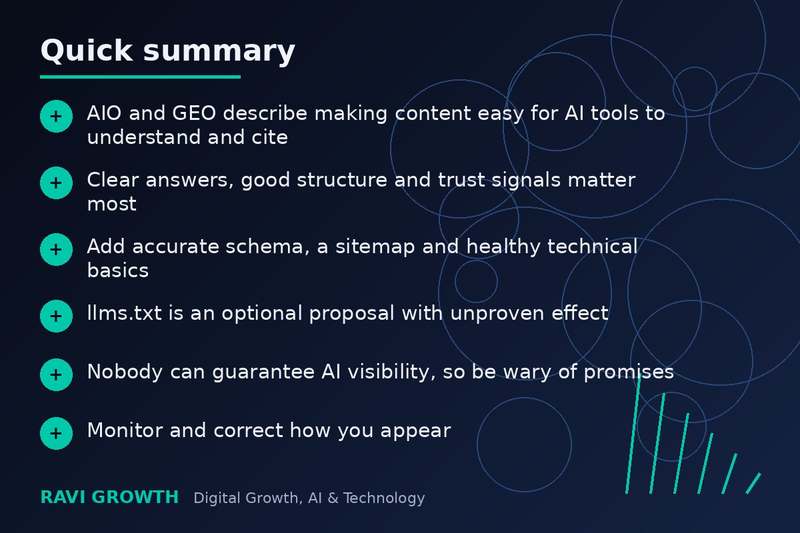
Quick summary
- AIO and GEO describe making content easy for AI tools to understand and cite.
- Clear answers, good structure and trust signals matter most.
- Add accurate schema, a sitemap and healthy technical basics.
- llms.txt is an optional proposal with unproven effect.
- Nobody can guarantee AI visibility, so be wary of promises.
- Monitor and correct how you appear.
Frequently asked questions
Is SEO dead? No. Traditional search remains important, and the same good practices help both.
Do I need llms.txt? No. It is optional and its effect is unproven.
Can I pay to appear in AI answers? Be careful. No one can guarantee it. Check any offer for specifics.
Should I block AI crawlers? It depends on your goals. Read each company's current rules and decide.
Ravi Growth reviews websites for search and AI readiness. Ask for the free audit on the Contact page.